
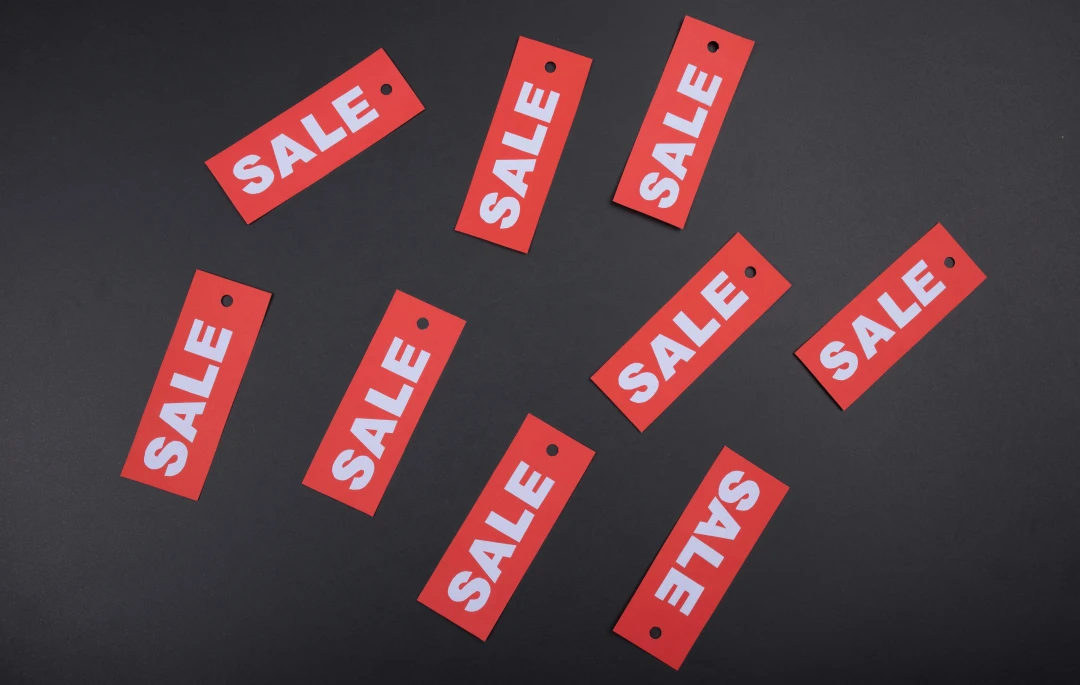
Let me tell you something, paying full is optional.
Well not always, but most of the times there are some tricks you should try.
1. Student or Corporate Discounts
A log of service offers a significant discount for students or employee of specific companies. For example Github, Spotify, Adobe, etc.
For students, they usually asked you to sign up using university issue email or uploading you student ID as a proof. Always check whether the service you are using offer special pricing for students.
As for corporate discounts, you should check your HR team, sometimes they may have negotiated deals you didn’t know existed.
2. Wait for a Sale Event
This one is a no-brainer. If you plan to buy something and there is a special event coming in the corner and your purchase is not urgent, you should wait.
Not only for digital services, offline retailers often give discounts too for events like Black Friday, Cyber Monday, end-of-season, anniversary, or holiday. This is something that you can predict just by checking the calendar.
3. Buy in a Group (Bulk Purchase)
Some platform have a bulk pricing where the price per unit could help you save some money.
This works especially well for books, software, or license. One person could coordinate the purchase and split the cost among the group.
4. Bundled Purchases
Apps and services sometimes sell bundles: a package of multiple products at a price lower than if you bought each separately. App stores, game platforms, and productivity suites do this regularly.
Setapp is a good example of this.
Before buying anything individually, check whether a bundle exists. You might pay a little more upfront but end up with tools you’ll actually use, at a fraction of the individual cost.
5. Search for Coupons Before Checkout
This one sounds obvious, but a lot of people skip it. Before hitting “Pay Now”, open a new tab and search: [store name] coupon code [month] [year].
Sites like Honey (browser extension), RetailMeNot, and CouponFollow aggregate active promo codes. There’s no reason not to try, it takes ten seconds and sometimes saves 10-20%.
6. Refurbished or Open-Box Items
Buying refurbished doesn’t mean buying broken. Most certified refurbished products from manufacturers like Apple or Playstation go through the same quality checks as new ones, often come with a warranty, and are priced noticeably lower.
Open-box items are similar, these are returned products that are functionally new but can no longer be sold as such.
Amazon has a specific section called Amazon Renewed for refurbished, returned, and open-box product.
7. Subscribe to the Newsletter
This one feels counterintuitive, but many websites send a first-time subscriber discount, usually 10-15% off your first purchase. So if you don’t like more emails, just sign up, use the code, then unsubscribe.
Beyond the welcome discount, newsletter subscribers often get early access to sales and exclusive promo codes that aren’t advertised publicly. If you buy from a store regularly, being on the list is worth it.
8. Purchasing Power Parity
Many digital services price their products differently depending on the country the buyer is in. A subscription that costs $15/month in the US might cost $4/month in Turkey or India. Using a VPN to appear in a lower-cost region can unlock that pricing.
One thing to remember, this trick is technically something you shouldn’t do. Sometimes the service could be smart enough to detect the difference between the indicated country and the the payment method (e.g. credit card issuer country, currency of the card).
Let’s just say I put it here for education purpose.
9. Leave It in Your Cart
Add the item to your cart and walk away. Don’t checkout. Wait a day or two.
A surprisingly large number of e-commerce sites track abandoned carts and will email a discount code to bring you back. Not every store does this, but enough do that it’s worth trying, especially for bigger purchases.
The worst case is nothing happens.
Bonus: Price Tracking Tools
If have a long list of wishlist and you’re not in a hurry, use a price tracker to monitor when an item hits its lowest point.
Some tool can track prices over time. So, instead of guessing whether today’s price is a good deal, you’ll have the historical data to know for sure. They could also send alerts when the price drop below the value you set
This tricks apply to anything: SteamDB for Steam games, PS Deals for Playstation games, Google Flight for flight tickets, and idealo for a lot of products in Germany.
Other that I haven’t try but worth to mentions are CamelCamelCamel for products in Amazon, Google Shopping, and browser extensions like Keepa.
All the tricks above probably will add some extra minutes to your to-do list before purchasing. But isn’t it better to spend some time to save some money so you can buy more things?
I will be sure to add another tricks to the list here later if I found some more (。•̀ᴗ-)✧
Photo by Tamanna Rumee on Unsplash